Answering Phone Calls, Emails & Texts
Most of your communication at the dealership happens through three channels—phone, email, and text—and each one requires something different.
How you handle each channel determines how people experience working with you. This lesson covers how to use all three well.
The Phone: Your Primary Channel
The phone is the most immediate and highest-stakes communication tool at your dealership. A good phone call builds trust faster than any other channel because the customer hears your voice, your tone, and your confidence.
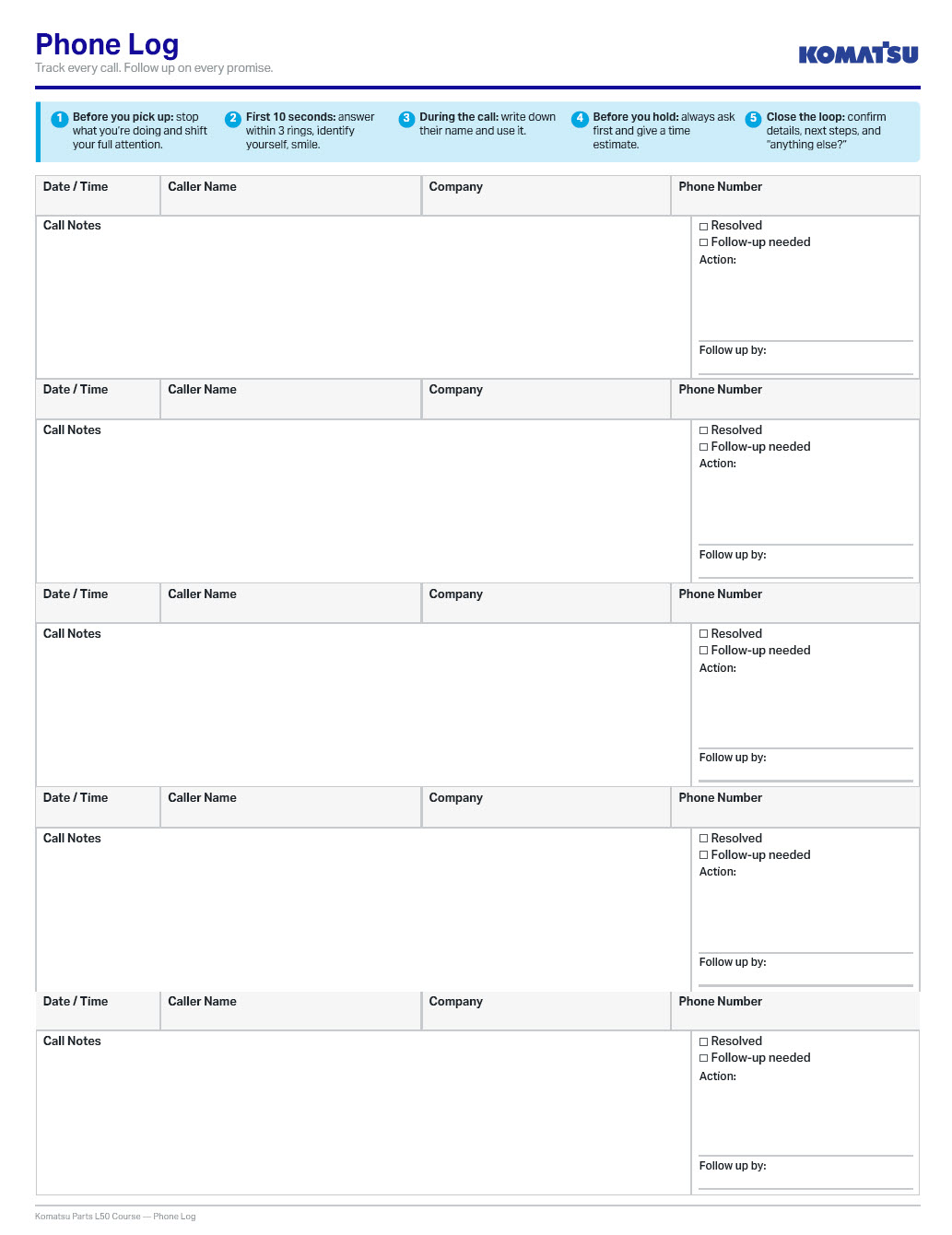
Every phone call moves through five stages, and each stage is a chance to either build trust or lose it.
Click through the slides below to learn about the five stages and what to do to build trust in each one:
Phone Log Job Aid
Download and print copies of this phone log to remember the 5 stages and easily keep track of your phone calls and follow-ups:
Email: Be Clear, Be Complete, Be Done
Email is the channel where misunderstandings have the longest shelf life. A confusing phone call gets clarified in the moment, but a confusing email sits in inboxes, gets forwarded, gets misread, and creates problems that ripple out for days.
The goal with every email is to send a message that doesn't require a follow-up to clarify.
A few principles keep your emails clean:
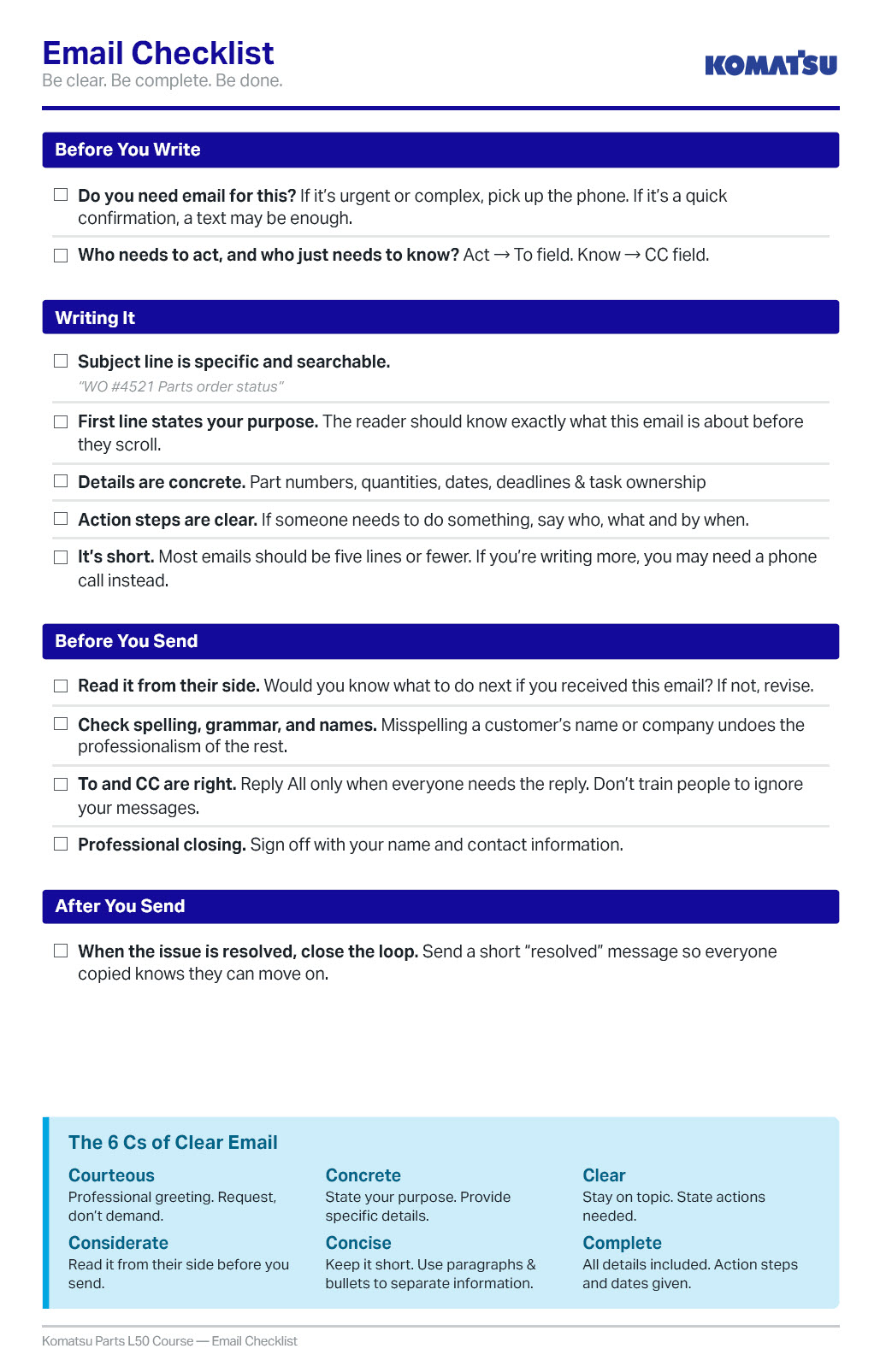
- State your purpose in the first line. "I'm following up on the parts order for work order #4521" tells the reader what this email is about before they've scrolled.
- Be concrete. Part numbers, quantities, dates, deadlines, names. "I'll get back to you soon" spawns the question "when?"
- Keep it short. Most emails should be five lines or fewer. If you're writing more, you may need a phone call instead. Use paragraphs and bullet points to make things clear and easy to digest.
- Read it from their side before you send. Would you know what to do next if you received this email? If not, revise.
Be deliberate about To and CC
The To field is for people who need to act. CC is for people who need to know but don't need to respond. Reply All when a direct reply is all that's required clutters everyone's inboxes and trains people to ignore your messages.
Clear & Concise Email Check-list
Download this Email Checklist and use it to develop the strong email habits that get you the results you want, quickly:
Text and Messaging
With no tone of voice, limited space, and a strong temptation to shortcut clarity for speed, text is the fastest channel and the most prone to miscommunication.
-
Text Works For:
quick confirmations ("part's in, ready for pickup"), time-sensitive alerts, & short questions with simple answers.
-
Text Doesn't Work For:
complex orders with multiple part numbers, bad news or sensitive topics, or anything that needs a record trail.
When in doubt, move up to a phone call or email. A text that saves thirty seconds but creates a misunderstanding costs far more time to fix.
Keep texts professional. Use complete words and include enough context that the message stands on its own:
“It’s here.” This means nothing to a customer who ordered three different things this week.
“The hydraulic filter for your PC220 arrived & is ready for pickup at the parts counter.” This messages takes ten more seconds to type and saves your customer a confused phone call later.
Reflect
Think about the last time you received a phone call, email, or text from a business that left you feeling confident they had it handled.
What specifically did they do, and how can you bring that same quality to your own communication at the dealership?
The details might vary, but the pattern is probably pretty consistent: they answered promptly, they were clear about what was happening and what came next, and they didn’t make you chase them for information.
Confidence comes from clarity. When your customer hangs up the phone, closes the email, or reads your text, they should know exactly what’s happening, when it’s happening, and what (if anything) they need to do next.
Next, we'll shift from remote communication to in-person interactions: how you greet customers, coworkers, and visitors when they walk through your door.